


10 min read
How to cook the same meal with someone in another city
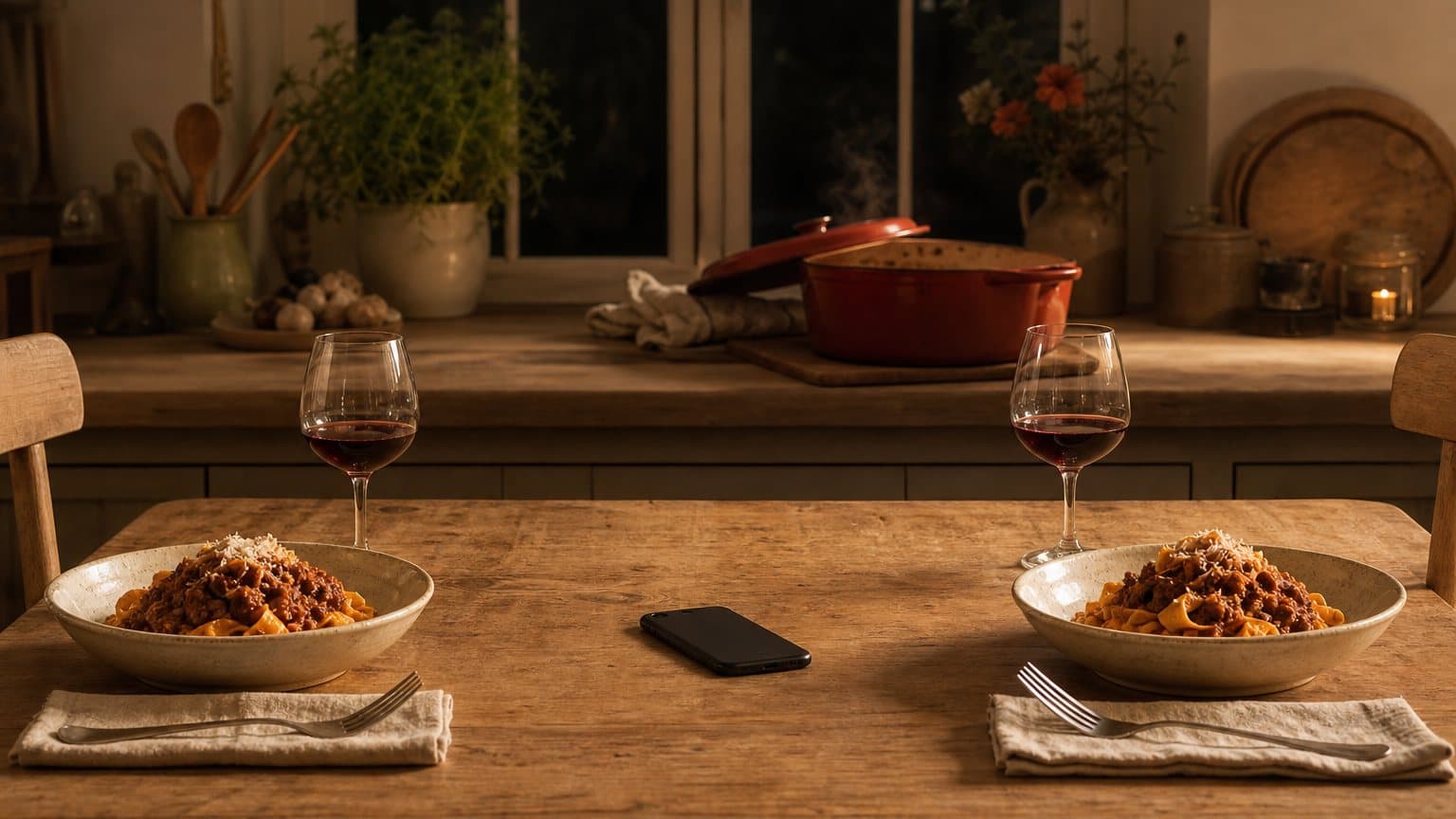
Cooking together at a distance fails for one reason: a video call carries the talk but not the pot. How to share the recipe itself instead.
Every recipe you've loved in one place, from grandma's index card to that Instagram reel. Then cook it hands-free, with what's in your pantry.
Free on iPhone, iPad, Mac and Android, or in any browser.


Sunday lasagna al forno
A proper Sunday ragu, simmered until it darkens, layered with béchamel and baked until the top sheet blisters and the edges catch on the dish.
Step 1
Warm the olive oil (2 tbsp) in a wide pan and soften the onion (1) with the garlic (3 cloves) until sweet, about 8 minutes. Turn up the heat, add the ground beef (1 lb) and brown it properly.
Coming up next
Paste a link, snap grandma's index card, screenshot a TikTok, or scan a cookbook page. Sugo's parser pulls out ingredients, steps, times, and serving counts, even from what a creator says out loud in a video, and asks you when it isn't sure.
 Queued
The screen stays bright. The font stays big. Timers start themselves when you hit a step that needs one, and "Hey Sugo, next step" works while your hands are covered in flour.
Tell Sugo what's in your pantry once. From then on, the home screen shows recipes you can actually cook tonight, not a wish list of things requiring a 9pm grocery run.
Your pantry
Start a cook party and your favorite people cook the same recipe with you, live, each in their own kitchen. Everyone follows their own lane through the steps, timers stay in sync, and reactions fly while the sauce simmers.
Cook party
Voice on
Ask Sugo is the assistant behind the sparkle. It knows your saved recipes, your pantry, and your week, so 'something quick tonight' gets a real answer, not a search page.
ask sugo
Share a link, snap a card, paste a screenshot. Sugo cleans it up in seconds and files it away.
Add the basics once: oil, salt, the spice rack. Sugo learns the rest from your grocery list.
Open the home tab. Pick one. Hit Cook. The screen stays bright. The timers start themselves.
$59.99 billed yearly
$119.99 billed yearly
Paid plans start with 7 days free. Cancel anytime.
Cooking together at a distance fails for one reason: a video call carries the talk but not the pot. How to share the recipe itself instead.
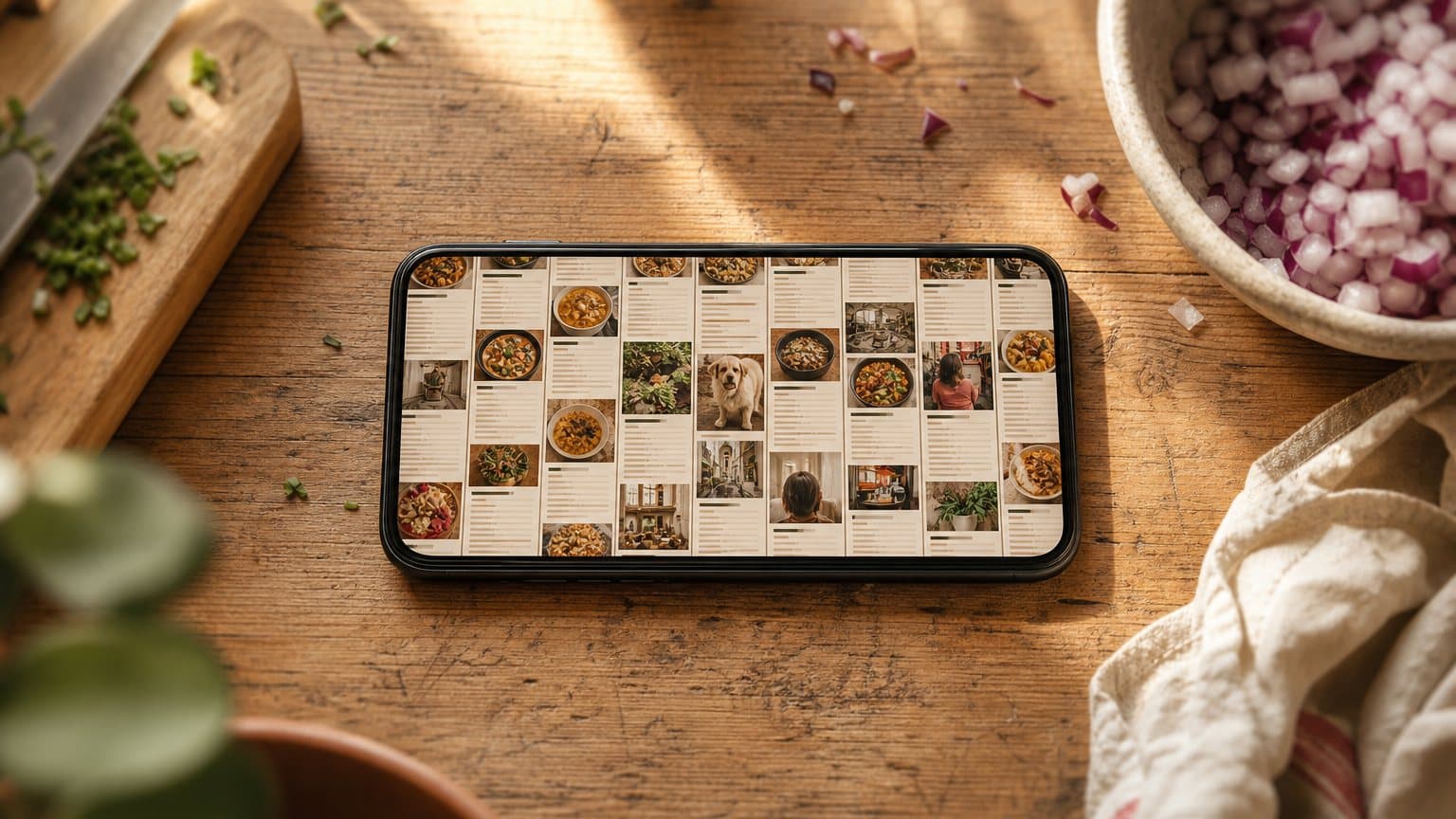
A screenshot is the fastest way to save a recipe and the worst place to keep one. Why the camera roll loses them, and the five minutes that fixes it.

Sending the recipes round as a PDF freezes them at one version. How to build a family collection that survives being cooked from and corrected.
Sugo is on the App Store for iPhone, iPad and Mac, on Google Play for Android, and in any browser at app.sugo.kitchen. It is free to start, so start saving the recipes you actually cook.